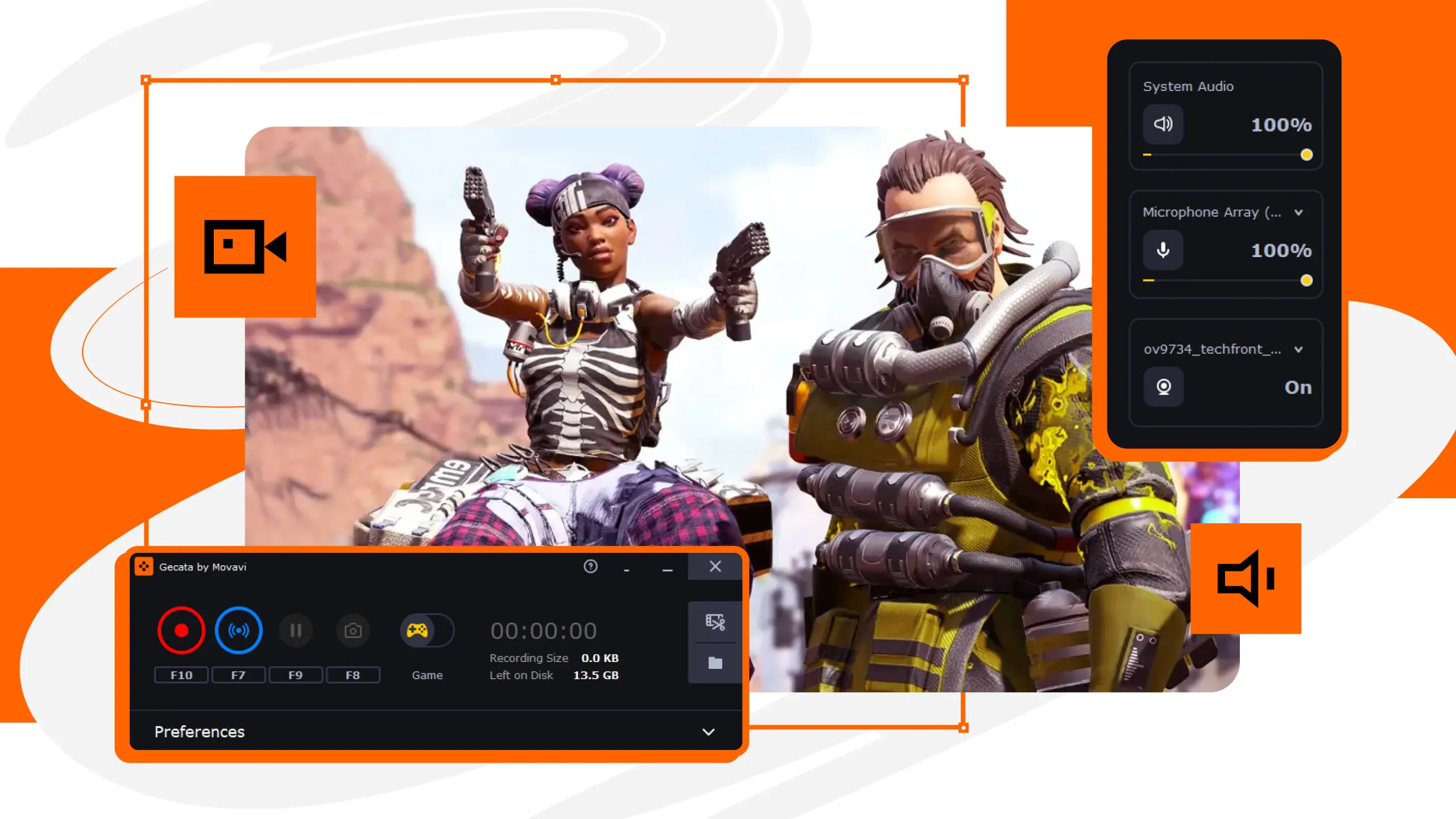
Imagine you’re deep into an intense gaming session, aiming for that flawless victory when suddenly, your game lags. Frustrating, right? For gamers, an optimized PC isn’t just a luxury—it’s a necessity. It ensures smooth gameplay, faster load times, and an enhanced gaming experience.
In this blog post, we’ll explore why optimizing your gaming PC is crucial and provide a guide to help you achieve peak performance.
- Understanding the Key Components of a Gaming PC and How They Affect Performance
- Step-by-Step Guide for Optimizing Your Gaming PC
- Tips for Advanced Optimization
- The Impact of Optimization on Gaming Experience and Performance Benchmarks
- Common Mistakes to Avoid When Optimizing Your Gaming PC
- Future Trends in PC Optimization for Gaming
- Conclusion
Understanding the Key Components of a Gaming PC and How They Affect Performance
To optimize your gaming PC effectively, you need to understand its core components. Each part plays a distinct role in the overall performance of your system.
The CPU
The central processing unit (CPU) is the brain of your computer. It handles all the instructions from your games and other applications. A powerful CPU ensures your games run smoothly, even when multitasking.
The GPU
The graphics processing unit (GPU) is crucial for rendering high-quality graphics. A top-tier GPU allows you to enjoy games in stunning detail without compromising on frame rates.
RAM and Storage
Random access memory (RAM) affects how quickly your system can access data. More RAM means better multitasking and faster game loads. Meanwhile, solid-state drives (SSD) provide quicker load times and faster data transfer compared to traditional hard drives (HDD).
Step-by-Step Guide for Optimizing Your Gaming PC
Ready to get hands-on? Follow these steps to ensure your PC is always in peak condition.
Software Updates
Keeping your software up-to-date is one of the simplest ways to optimize your PC. Update your operating system, drivers, and game software regularly. This helps fix bugs, improve security, and enhance performance.
Cleaning and Organizing Files
A cluttered PC can slow down performance. Regularly clean out unnecessary files and keep your folders organized. Use tools like disk cleanup utilities to free up space on your drives.
Antivirus and Malware Protection
Malware can severely impact your PC’s performance. Use reliable antivirus software to scan for and remove any malicious programs. This ensures your system runs smoothly and securely.
Tips for Advanced Optimization
For those willing to take it a step further, advanced optimization techniques can significantly boost your PC’s performance.
Overclocking
Overclocking involves increasing the clock speed of your CPU or GPU beyond the manufacturer’s specifications. This can lead to higher performance but should be done cautiously to avoid overheating.
Upgrading Hardware
Sometimes, no amount of optimization can substitute for outdated hardware. Even the most expensive gaming PC requires regular updates. Consider upgrading key components like your GPU, CPU, and RAM to keep up with the latest gaming demands.
Custom Cooling Solutions
Keeping your PC cool is vital for maintaining performance. Invest in custom cooling solutions like liquid cooling systems to prevent overheating and ensure your components run efficiently.
The Impact of Optimization on Gaming Experience and Performance Benchmarks
How does optimization translate into real-world performance? Let’s explore the tangible benefits.
Enhanced Frame Rates
Optimizing your PC can lead to higher frame rates, resulting in smoother gameplay. Whether you’re playing fast-paced shooters or open-world adventures, a consistent frame rate is key to an immersive experience.
Faster Load Times
Nobody likes waiting around for games to load. An optimized PC reduces load times, allowing you to jump into your games faster and enjoy seamless transitions between levels.
Improved Graphics Quality
Optimization can also enhance the visual quality of your games. From higher resolutions to better texture details, an optimized system lets you experience your games as the developers intended.
Common Mistakes to Avoid When Optimizing Your Gaming PC
Even with the best intentions, optimization can go wrong. Here are common pitfalls to watch out for.
Ignoring Backup
Always back up your data before making significant changes. This ensures you can restore your system if something goes wrong during the optimization process.
Overlooking Compatibility
Ensure any new hardware or software is compatible with your system. Incompatible components can lead to performance issues or system crashes.
Excessive Overclocking
While overclocking can boost performance, pushing your components too hard can cause overheating and permanent damage. Always monitor temperatures and use recommended settings.
Future Trends in PC Optimization for Gaming
The world of PC optimization is constantly evolving. Here’s what to look forward to.
AI-Powered Optimization
Artificial intelligence is revolutionizing PC optimization. AI tools can automatically adjust settings for optimal performance based on your gaming habits and hardware capabilities.
Cloud Computing
Cloud gaming services are making high-end gaming accessible without the need for top-tier hardware. This trend could reduce the need for frequent hardware upgrades.
Quantum Computing
While still in its infancy, quantum computing holds the potential to revolutionize gaming. Faster processing speeds and more efficient data handling could lead to unprecedented levels of performance.
Conclusion
Now that you understand the importance of PC optimization for gaming and have a guide to help you through the process, it’s time to start optimizing your system. Keep in mind that every PC is unique, and what works for one may not work for another. Experiment with different techniques and find what works best for your setup.
